k7k7 Deposit Guide: Add Funds Fast with Your Mobile Wallet
This guide covers everything you need: which payment method to use, how long it takes for your balance to arrive, deposit limits, and what to do if something goes wrong.
In this section of the k7k7 Deposit Guide, you will find the complete steps to send money to your account via bKash, Nagad, Rocket and Upay. The minimum deposit is ৳৩৫০ and your balance is usually credited within just 6 minutes.
Step-by-Step Deposit Instructions
Common Steps for All Payment Methods
-
১
Log in to your account
Go to the k7k7 login page and enter your username and password. If you are new, please complete registration first.
-
২
Open the Cashier or Deposit Menu
Click the "Deposit" button at the top of your dashboard. A list of available payment methods will appear.
-
৩
Select Your Method and Enter the Amount
Choose bKash, Nagad, Rocket or Upay. The minimum starts from ৳৩৫০. Enter the amount and tap "Next".
-
৪
Send Money to the Provided Number
Send money to the merchant number shown on screen using your wallet app. Make sure you copy the reference number.
-
৫
Submit the Transaction ID
Enter the Transaction ID (TrxID) from your wallet into the k7k7 form and tap "Confirm".
-
৬
Check Your Balance Within 6 Minutes
Your k7k7 wallet balance is normally updated within 6 minutes. If it has not arrived, contact support via live chat right away.
Common Deposit Issues and How to Fix Them
| Issue | Likely Cause | Fix |
|---|---|---|
| Balance Not Credited | Wrong reference number was entered | Fill in the form again with the correct TrxID, or send a screenshot to live chat |
| Amount Does Not Match | The amount sent was more or less than what was entered in the form | Make a new deposit with the correct amount; the previous one will be refunded |
| "Session Expired" Message | The payment window was left open for more than 15 minutes | Create a new deposit request |
| Payment Method Not Available | Temporary maintenance is in progress | Try a different wallet or wait 30 minutes and try again |
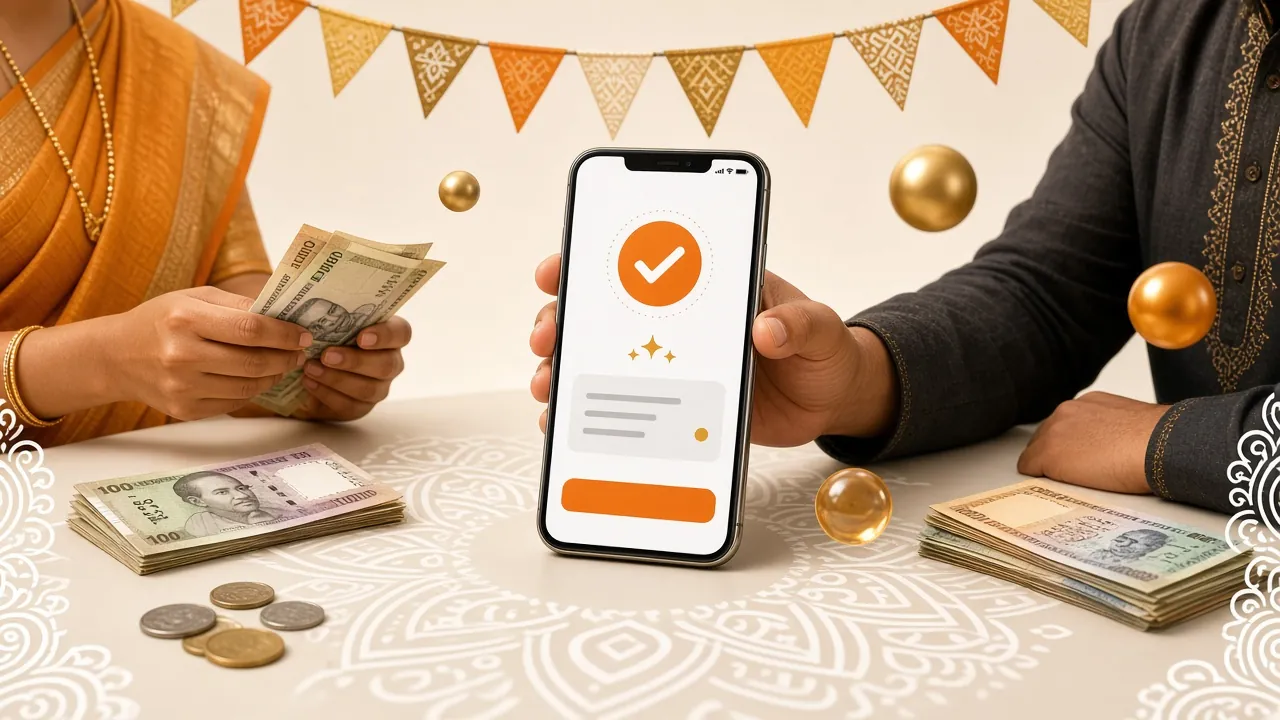
Details for Each Payment Method
-
bKashMinimum deposit: ৳৩৫০
Balance credited: ~6 minutes
Withdrawal time: ~45 minutes
Send Money → send to the merchant number and save your TrxID -
NagadMinimum deposit: ৳৩৫০
Balance credited: ~6 minutes
Withdrawal time: ~45 minutes
Use the "Payment" option — do not use personal Send Money -
RocketMinimum deposit: ৳৩৫০
Balance credited: ~6 minutes
Withdrawal time: ~45 minutes
Make the payment from the DBBL mobile banking menu -
UpayMinimum deposit: ৳৩৫০
Balance credited: ~6 minutes
Withdrawal time: ~45 minutes
Pay from your UCB Bank-linked account -
Bank TransferMinimum deposit: ৳৩৫০
Balance credited: ~6 minutes
Withdrawal time: ~45 minutes
Use NPSB/BEFTN; make sure your account number and routing code are correct
Which mobile wallet should you choose?
Each wallet has its own advantages. Here's a quick look at which one works best in different situations.
The most widely used mobile banking service in Bangladesh. You can send any amount easily, big or small. It's the most familiar option for new players and is accessible to people of all ages — merchant payments can be made directly from the app.
Nagad, operated through the government post office, often gives the fastest balance updates. It's ideal for smaller amounts. Players who deposit late at night or early in the morning prefer Nagad because it stays active 24/7.
Rocket by Dutch-Bangla Bank is a great fit for those who want their wallet linked to a bank account. It's a safe choice for larger deposits. DBBL account holders can do direct bank-to-wallet transfers, making it easier to keep track of transactions.
Upay is the most convenient option for UCB Bank customers. Since funds are sent directly from your bank account, managing your balance is straightforward. If you already have a UCB account, there are no extra charges, so you can use it for any amount.
Limits & rules: everything at a glance
The table below shows deposit, withdrawal, and daily limits by VIP level — all in one place.
| # | Type | Amount | Notes |
|---|---|---|---|
| 01 | Minimum Deposit | ৳৩৫০ | Applies to all methods |
| 02 | Minimum withdrawal | ৳700 | Identity verification required before your first withdrawal |
| 03 | Daily maximum withdrawal (Starter) | ৳১,৬০,০০০ | Default level |
| 04 | Daily maximum withdrawal (Silver) | ৳২,৬০,০০০ | Monthly turnover ৳৭০,০০০+ |
| 05 | Daily maximum withdrawal (Gold) | ৳৪,১০,০০০ | Monthly turnover ৳২,৩০,০০০+ |
| 06 | Daily maximum withdrawal (Ruby) | ৳৬,৫০,০০০ | Monthly turnover ৳৭,৪০,০০০+ |
| ০৭ | Deposit processing time | ~6 minutes | All mobile wallets and bank transfers |
| ০৮ | Withdrawal processing time | ~45 minutes | First-time withdrawal may take up to 6 hours |
What happens when you deposit ৳১,০০০ at k7k7: a worked example
Here's a sample breakdown based on the site's actual rules — no exaggeration, just the real numbers.
-
১৳১,০০০ sent via bKash
You selected ৳১,০০০ in the k7k7 cashier and sent the amount to the merchant number via bKash. Within 6 minutes, the funds were credited to your k7k7 wallet.
Wallet balance: ৳১,০০০ -
২First deposit bonus applied (205%)
Since this is your first deposit, you qualify for the 205% welcome bonus. 205% of ৳১,০০০ = ৳২,০৫০ added as bonus. Maximum bonus cap is ৳১৯,০০০.
Bonus: +৳২,০৫০ → Total balance: ৳৩,০৫০ -
৩Wagering requirement must be met to withdraw the bonus (19x)
Bonus amount ৳২,০৫০ × ১৯ = ৳৩৮,৯৫০ — that's your wagering requirement. You'll need to place bets totalling this amount before you can withdraw the bonus. Your original ৳১,০০০ can be withdrawn at any time (minimum withdrawal is ৳৭০০).
Wagering target: ৳৩৮,৯৫০ -
৪Daily cashback keeps running (0.7%)
At Starter level, you earn 0.7% cashback every day. If you wager ৳৩,০৫০ in a single day, your cashback for that day will be around ৳২১.
Example cashback (1 day): ~৳২১ -
৫Once wagering is complete, you can withdraw the bonus
After the wagering requirement is met, you can withdraw your bonus balance. Once you submit a withdrawal request, funds reach your bKash/Nagad in ~45 minutes. For your first withdrawal, NID or passport verification is required, which can take up to 12 hours.
Withdrawal time: ~45 minutes
Common Questions About k7k7 Deposits
What is the minimum deposit amount to get started?
The minimum deposit at k7k7 is ৳৩৫০. This limit applies to all payment methods — bKash, Nagad, Rocket, Upay, and bank transfer. To claim the 205% welcome bonus on your first deposit, simply add ৳৩৫০ or more.
How long does it take for a bKash payment to show up in my account?
Your k7k7 wallet balance is usually updated within 6 minutes. If it takes longer, keep your bKash TrxID (Transaction ID) handy and contact Live Chat. Minor delays can happen due to network issues, but your money will not be lost.
What should I do if my deposit was sent to the wrong number?
First, check whether you sent the payment to the correct k7k7 merchant number. If the money went to the wrong number, contact your wallet provider's helpline immediately (bKash: ১৬২৪৭, Nagad: ১৬১৬৭). If the TrxID matches the correct k7k7 number, the balance will be credited — no refund is needed.
Why does the first withdrawal take longer than usual?
k7k7 verifies your account before processing the first withdrawal. You will need to submit a photo of your NID, passport, or driving licence. Verification takes up to 12 hours. Once verified, future withdrawals are processed normally in around ~45 minutes.
Can I make a large deposit using Nagad?
Yes, you can send any amount to k7k7 via Nagad as long as it stays within your Nagad account's daily limit. For larger payments, use the "Merchant Payment" option in Nagad — not "Send Money". If you face any issue, reach out via Live Chat — support is available 24/7.
Can I make deposits through the k7k7 app?
Yes. Download the k7k7 APK and install it on your Android phone to access the cashier menu directly from the app. The deposit process, limits, and processing time are exactly the same as on the browser. App version 2.1.20, supports Android 7.0 and above.
Ready to Make Your First Deposit?
Register now and get up to 205% bonus on your first deposit. Minimum deposit starts from just ৳৩৫০.